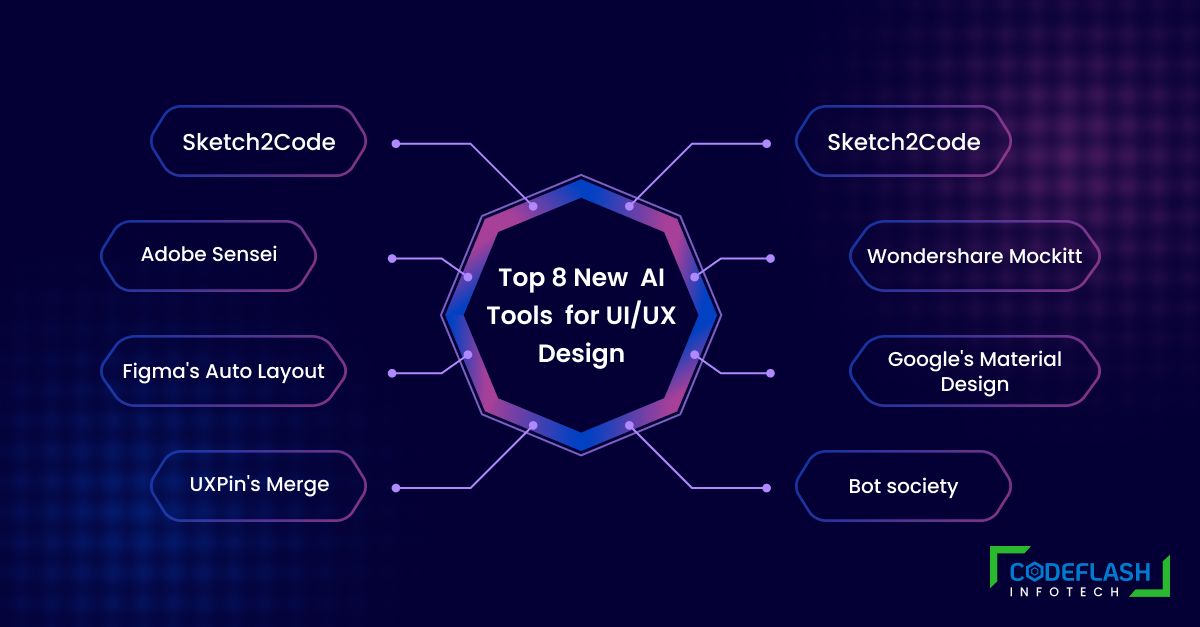
Do you want to spend hours upon hours designing UI/UX projects? Well, look no further! Artificial intelligence (AI) is here to revolutionize the world of design. In this blog post, we’ll showcase the top 8 new AI tools for UI/UX design that is changing the game.
From automating tedious tasks to suggesting color schemes and layouts, these tools will save you time and elevate your designs to a new level. So buckle up and get ready to discover how AI can transform your workflow!
Here are some examples of projects that have used AI tools for UI/UX design:
- Microsoft Azure: The Azure Cloud Services Company utilized Microsoft’s Sketch2Code tool to produce a prototype for their cloud computing platform. The Sketch2Code tool was employed to transform manually drawn sketches into HTML code, which was subsequently utilized to generate a practical prototype.
- Airbnb: Airbnb used Figma’s Auto Layout tool to create responsive designs for their website and app. The tool allowed them to automatically adjust the layout of design elements based on the content, ensuring that the design looked good on all devices.
- IBM Watson Assistant: IBM used their Watson Assistant AI tool to create a chatbot for the American Cancer Society. The tool was used to analyze user conversations and generate design suggestions, making it easier to create an engaging conversational experience.
- Google Material Design: Many companies have used Google’s Material Design system to create consistent and high-quality designs, including Google itself. The system offers a range of tools and resources for creating beautiful and functional designs that work across all devices.
- Uber: Uber used Adobe’s Sensei AI tool to automatically tag and organize their image library. This allowed them to quickly find and use images in their designs, saving time and improving the overall quality of their designs.
- Slack: Slack used Figma’s Auto Layout tool to create a responsive design for its messaging platform. The tool allowed them to create designs that looked good on all devices, while also saving time in the design process.
- Walmart: Walmart used the Merge AI tool from UXPin to create an interactive design for its website. The tool analyzed user flows and generated design suggestions, making it easier for the design team to create an engaging and intuitive user experience.
These are just a few examples of projects that have used AI tools for UI/UX design. As AI continues to advance, we can expect to see more innovative projects that leverage the power of AI to create better designs and user experiences.
Using AI in UI/UX design can have both advantages and disadvantages.
Pros:
- Speed and efficiency: AI can automate many design tasks, such as prototyping, layout, and even generating design suggestions, which can save time and increase efficiency.
- Personalization: AI can analyze user data to create personalized experiences for users, such as recommending products or services based on their preferences.
- Consistency: AI can help ensure consistency across designs by applying design rules and guidelines consistently.
- Data analysis: AI can analyze user data to identify patterns and insights that can help improve the user experience.
- Accessibility: AI can help improve accessibility by providing solutions like voice interfaces or other features that aid people with disabilities.
Cons:
- Lack of creativity: While AI has made great strides in assisting with design, it is still not capable of matching the level of creativity and innovation that human designers possess. Moreover, it may face challenges in generating novel design solutions. Therefore, if you are seeking to create a unique and imaginative design for your project, we recommend that you enlist the expertise of our UI/UX Design Company
- Overreliance on technology: If designers rely too much on AI, they may miss important design considerations that require human intuition and decision-making.
- Cost: Some AI tools may be expensive to implement or require significant training to use effectively.
- Complexity: AI can be complex and may require specialized skills and knowledge to use effectively, which may not be accessible to all designers.
- Privacy and ethical concerns: AI tools may use personal data and raise ethical concerns around the ownership and use of that data.
In summary, AI can be a powerful tool for UI/UX designers, but it is important to carefully consider the benefits and drawbacks of using AI in a specific project and balance the use of AI with human intuition and decision-making.
AI tools are constantly evolving and improving, which means UI/UX designers have more options than ever before when it comes to finding the best tool for their projects. From AI-powered search engines to intelligent text analysis, these new AI tools are making life easier for UI/UX designers who need to stay on top of their game. Whether you’re a veteran designer or just starting in the industry, make sure to check out these 8 amazing new AI tools startups and designers to give your next design project that extra edge over the competition.